- Personal
October 14, 2025
Don’t Take the Bait: Avoiding Phishing Scams
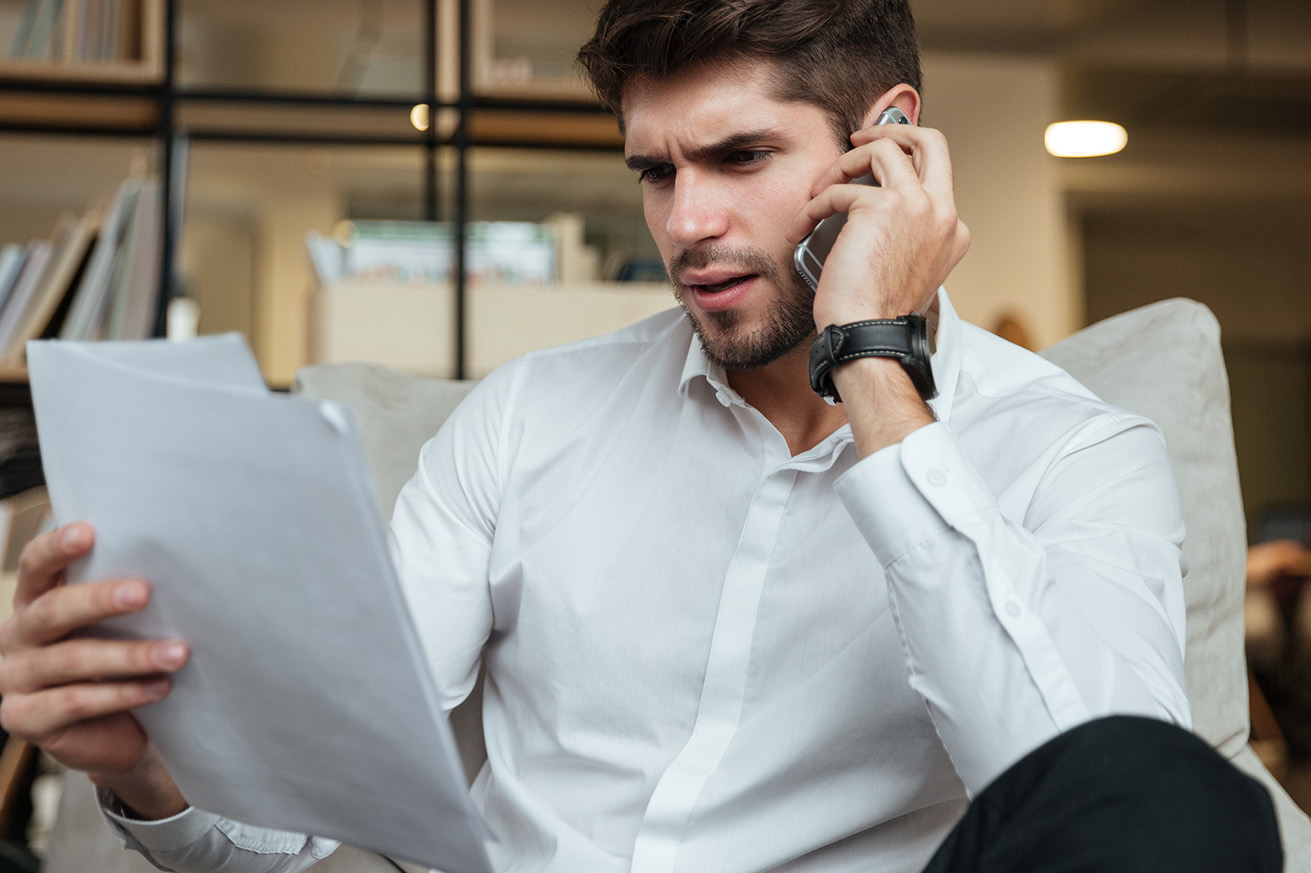
Imagine you receive a text about suspicious activity on your checking account. The text looks legitimate, names your financial institution, and includes a link to verify some information. The link takes you to a familiar login page for your bank or credit union. But the reality? That webpage is fake, and when you try to log in, a scammer records your username and password. This is a common example of a phishing scam, and these scams are everywhere.
What is Phishing?
Phishing is a type of scam where criminals impersonate a trustworthy entity in a message (email, text, call, etc.) to trick you into revealing sensitive information, allowing scammers to steal your funds or identity. Phishing is the most reported cybercrime according to the FBI’s Internal Crime Complaint Center with billions of dollars lost globally each year. These scams are tricky to spot because they exploit trust and urgency rather than technical vulnerabilities (like weak passwords).
Types of Phishing Scams
Phishing scams take many forms, but learning how they appear helps you identify and avoid them.
Email phishing:The most common form of phishing—fake emails that look real, designed to fool you into giving away your personal or financial information.
Bulk phishing: A type of phishing message that’s sent to hundreds or thousands of targets at once; these messages appear to come from trusted businesses or organizations that are common or broadly recognizable.
Smishing (SMS phishing): A phishing attack that uses text messages to trick you into clicking a malicious link or sharing sensitive information.
Vishing (voice phishing): A scam where attackers call you and pretend to be from legitimate companies or agencies to get you to share private information over the phone.
Social media phishing: A type of phishing that uses fake accounts, posts, or direct messages on social media to lure users into revealing personal information or clicking harmful links.
How to Spot Phishing
Scammers often try to earn your trust before taking advantage of it. The best defense is a little skepticism toward any message that asks for your personal or financial details or implies a need to act quickly to avoid a bad consequence. Luckily, even the most convincing scams usually contain small red flags that give them away.
Always double-check the sender’s info first. It’s easy to miss small details, like an extra letter in an email address or a slightly different domain name. Scammers count on you to rush through and not notice these subtle changes, so take a second to look closely to see if the contact information matches the company’s email domain or number exactly. Also, look for poor spelling, unusual grammar, or an odd tone. Often, scammers use urgent or threatening language to pressure you into answering quickly: “Your account will be closed,” or “Act now!” Finally, legitimate companies will never ask for sensitive information like passwords, social security numbers, or bank details through email or text.
Red Flags
Here are just some of the most common ways scammers may try to trick you, according to the FTC. Scammers will…
- report that they’ve noticed some suspicious activity or log-in attempts
- claim there’s a problem with your account or your payment information
- insist you need to confirm some personal or financial information
- include an invoice you don’t recognize
- want you to click on a link to make a payment
- say you’re eligible to register for a government refund
- offer a coupon for free stuff
How to Protect Yourself from Phishing
No matter the message, always pause before replying or clicking a link. Hover over any link (or press and hold if on mobile) to see where it really leads; the web address should match the company’s official site and start with “https.” Be cautious of misspelled domains or unexpected attachments, and when in doubt, visit the website directly instead of using the link in the message.
Another way to avoid becoming a victim of phishing is to enable two-factor authentication (2FA) on your accounts whenever possible; this simple step adds an extra layer of protection, even if someone manages to steal your password. Also, make sure you’re using trusted security software and keep all your software updated, since updates often include patches that block known threats. Back up your important data regularly, either to the cloud or an external drive, so you can recover it if your system is ever compromised.
What to Do If You Fall Victim
Suspect a scammer has your information, like your Social Security, credit card, or bank account number? Place a fraud alert or credit freeze with the three major credit bureaus (Equifax, Experian, TransUnion)—this fraud alert makes it difficult for identity thieves to open accounts in your name. Also, watch your mail and credit statements carefully to see if you notice anything unusual.
Should your bank or credit card information get stolen, contact your bank and card issuer immediately. Ask them to cancel the card, reverse any fraudulent charges, and issue a new card.
If login credentials or passwords were compromised, change your passwords immediately on all affected accounts or any account that shares that password. Use unique, strong passwords for each login, and remember, enable two-factor authentication wherever possible.
Not sure what’s been compromised? Monitor your email and financial accounts closely for any signs of unauthorized activity. Also, enable alerts from your bank or credit card company for transactions, and consider placing fraud alerts on your credit reports just in case.
How To Report Phishing
If you got a phishing email or text message, report it. The information you give helps fight scammers.
- Email: forward it to the Anti-Phishing Working Group at reportphishing@apwg.org.
- Text message: forward it to SPAM (7726).
- Report the phishing attempt to the FTC at ReportFraud.ftc.gov.
Phishing works best when people act fast and think later, so take your time, verify what you see, and trust your instincts (if something feels off, it probably is). Staying alert online is the easiest way to protect your information and avoid becoming a target.
Disclaimer
While we hope you find this content useful, it is only intended to serve as a starting point. Your next step is to speak with a qualified, licensed professional who can provide advice tailored to your individual circumstances. Nothing in this article, nor in any associated resources, should be construed as financial or legal advice. Furthermore, while we have made good faith efforts to ensure that the information presented was correct as of the date the content was prepared, we are unable to guarantee that it remains accurate today.Neither Banzai nor its sponsoring partners make any warranties or representations as to the accuracy, applicability, completeness, or suitability for any particular purpose of the information contained herein. Banzai and its sponsoring partners expressly disclaim any liability arising from the use or misuse of these materials and, by visiting this site, you agree to release Banzai and its sponsoring partners from any such liability. Do not rely upon the information provided in this content when making decisions regarding financial or legal matters without first consulting with a qualified, licensed professional.
Posted In: Security
Explore All The Ways We Can Help You Grow
-
 Article
Scam Alert: The FBI Warns of Reverse Instant Payment Scams
The FBI warns of a new scam that’s affecting many people: reverse instant payment scams. Learn how to keep your money safe.
Keep Reading About Scam Alert: The FBI Warns of Reverse Instant Payment Scams -
 Article
Fraud Alert: Watch Out for Person-to-Person Payment Scams
In most P2P payment scams, fraudsters add money to their accounts using fraudulent sources, such as stolen credit or debit cards, then use that money to conduct transactions.
Keep Reading About Fraud Alert: Watch Out for Person-to-Person Payment Scams -
 Article
How to Protect Yourself from Smishing Scams
Stop smishing scams in their tracks. Learn how to stay safer and report fraudulent messages to protect your personal data.
Keep Reading About How to Protect Yourself from Smishing Scams
