- Personal
- Membership
- Membership
- Rates & Fees
- Checking
- Checking
- Personal Loans
- Personal Loans
- Wealth Management
- Investment Services
- Financial Advisors
- Resource Center
- Business
November 7, 2019
Protect Yourself Online
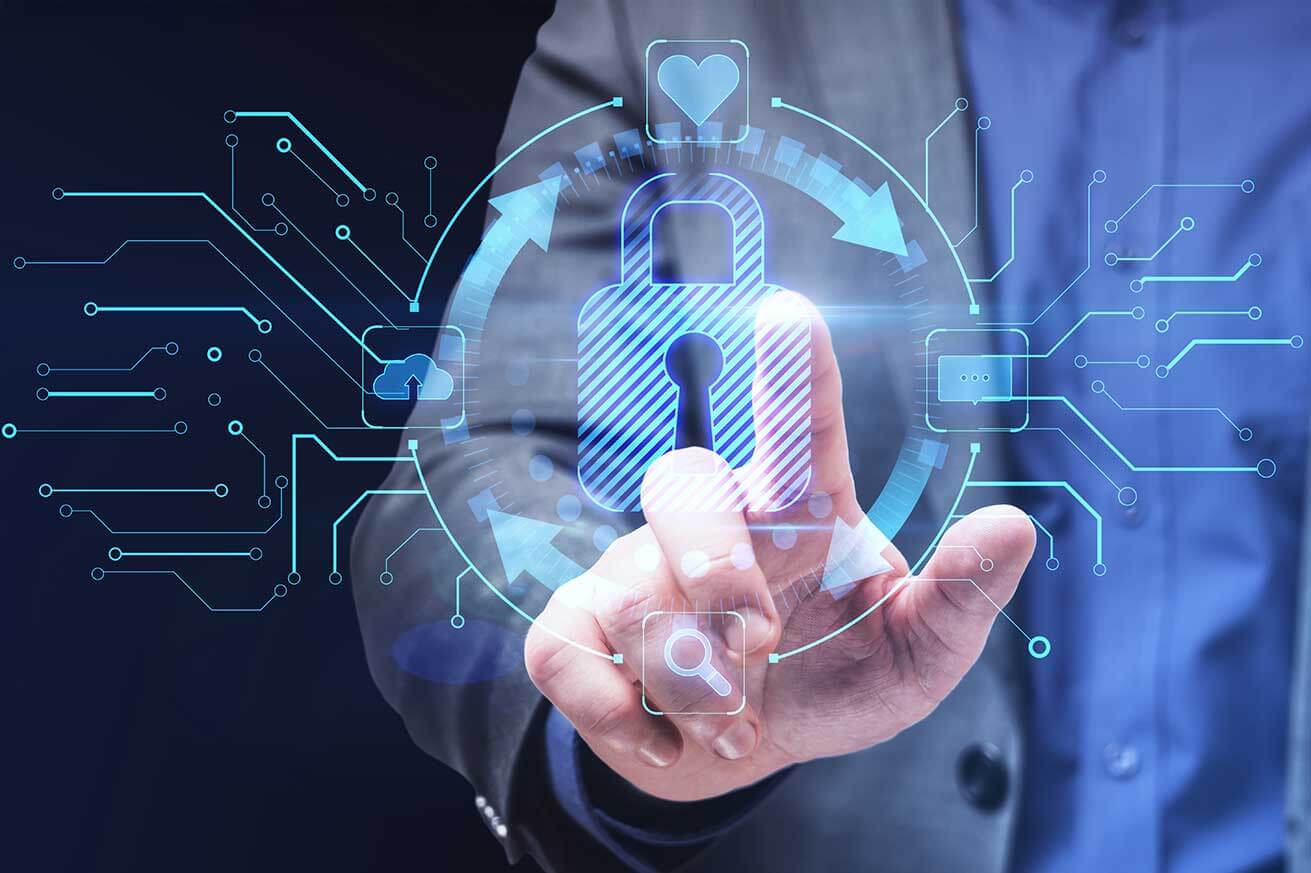
No matter how tech savvy you are, cybersecurity should be top of mind anytime you use the internet. If that sounds overwhelming, don’t stress. You don’t need to be an expert. Good cybersecurity isn’t complicated. Whether you’re messaging with friends, streaming music, watching movies, buying clothes, or paying bills, there are basic cybersecurity rules anyone can follow.
Use the Right Cybersecurity Tools
The first line of defense against hackers and thieves who want your personal and financial info is to make sure the antivirus software on your device is up-to-date. Antivirus software helps protect against malware, which is a file or code that can infect your device, steal sensitive information, and more. If you don’t use antivirus software, there are reputable providers who offer basic versions for free. Just make sure you run the software’s updates as they are available.
To go beyond the minimum, it may be worth the money to subscribe to security software that protects specifically against more dangerous types of malware, like spyware, which mines your personal info, and ransomware, that encrypts your files until you pay a ransom to regain access. Do your research to make sure the security software you subscribe to is legitimate and worth the cost.
For security software recommendations and reviews, check out resources like ConsumerReports.org and PCMag.com.
Try a Virtual Private Network
Go a step further in protecting your online activity with a virtual private network, or VPN. A VPN is an encrypted internet connection between a device and a network. It protects sensitive data and blocks unauthorized access to your traffic and identity.
VPNs are common in corporate environments, so if you work remotely, you may already use a VPN to access your employer’s server. But they are also useful if you frequently connect to the internet using public Wi-Fi. VPNs also protect against your data being sold by your internet service provider. (Yep, that’s a thing.)
If you’re trying a VPN for the first time, go with an established provider who has good reviews and a money-back guarantee. Make sure the VPN does not track your internet traffic or sell your data to third parties—many free VPN services do. Look for a simple, user-friendly interface and good customer service, preferably with 24/7 live chat.
Limit Personal Info Shared Online
Your personal online behaviors are a valuable protection against cyber threats. Limit the personal information you share online. This includes:
- credit card and bank account numbers
- address
- phone number
- other identifiers
It’s also smart to think twice before posting social media comments with personal thoughts and details about your life. True, hackers can use this information to guess passwords or as part of impersonation schemes, but your public social media posts could also hurt your relationships or career.
Remember, you can’t control how your opinions are perceived and it’s almost impossible to remove something entirely once it’s posted online. Current or potential employers may monitor your social media, and the more information that’s out there, the more likely it can be used against you. So be smart about what you say online.
Use Social Media Protections
Protect yourself on social media by adjusting your privacy settings and options.
- Restrict who follows you on social media. Consider limiting how much colleagues and other professional acquaintances know about your personal life.
- Don’t accept friend requests from people you don’t know.
- Block your tweets and posts from search engines, so they’re only visible to your followers. Remember that any follower can screenshot what you write, even if they can’t retweet it.
- Don’t link your social media accounts. Anytime you link an account, you’re increasing the visibility of whatever you post across multiple platforms. Personal information that’s available in many places makes you more vulnerable to phishers.
- Don’t post personal information that is commonly used for passwords or password security questions, like the name of your elementary school or first pet’s name. Avoid posting about where you bank and shop. Even seemingly harmless facts can help scammers locate you.
- Don’t post anything you don’t want the world to read.
Protect Your Passwords
Use strong, unique passwords on every site where you have an account. This is crucial for sites that access confidential personal or financial information.
Too obvious passwords provide no protection. The same goes for reused passwords. If a hacker cracks one account, they’ll try that password for every single account connected to your email address.
You’re not alone if you find it difficult to keep track of all those different password combinations. Try a password manager. A password manager creates, encrypts, and securely stores your passwords in a vault and you can access any of those passwords with a single complex password.
Password managers can also store other info like credit card numbers and PINs. Many reputable password managers offer a basic service for free, with a small fee for premium features or multiple devices.
Don’t Click or Open Unfamiliar Links
Scammers are getting more sophisticated with email and text messages, so don’t click any links or open attachments from sources you don’t recognize. They may even send links to websites that look exactly like a website you trust. Look for other telltale signs that a message is a scam.
- Incorrect company names or URLs. Scammers often use slightly different spellings or extensions to trick you into thinking they’re legit.
- Poor spelling and grammar. Real companies don’t often make typos and definitely check spelling before sending messages to clients.
- Generic greetings. Official messages are nearly always personalized with your name instead of a generic greeting.
- Urgent calls to action. Keep an eye out for red flags like “your account is suspended, ”reset your account password now,” or other high-pressure calls to action.
Shop Safe Online
Online shopping is common and generally safe. That said, always look for a security padlock symbol to the left of the company’s name in the URL bar. Click this icon to visit the site’s security certificate.
Double-check the URL begins with HTTPS. This indicates the data you send and receive is encrypted.
If you still want to buy from a vendor that’s selling directly on social media or want to use a site without proper security in place, it’s best to use a service like PayPal.
Your PayPal account is linked to your credit card or bank. Purchases you make via PayPal are encrypted and the seller has no access to your account number. Still, anytime you use PayPal, make sure your security software is updated and avoid any financial transactions using public Wi-Fi.
Disclaimer
While we hope you find this content useful, it is only intended to serve as a starting point. Your next step is to speak with a qualified, licensed professional who can provide advice tailored to your individual circumstances. Nothing in this article, nor in any associated resources, should be construed as financial or legal advice. Furthermore, while we have made good faith efforts to ensure that the information presented was correct as of the date the content was prepared, we are unable to guarantee that it remains accurate today.Neither Banzai nor its sponsoring partners make any warranties or representations as to the accuracy, applicability, completeness, or suitability for any particular purpose of the information contained herein. Banzai and its sponsoring partners expressly disclaim any liability arising from the use or misuse of these materials and, by visiting this site, you agree to release Banzai and its sponsoring partners from any such liability. Do not rely upon the information provided in this content when making decisions regarding financial or legal matters without first consulting with a qualified, licensed professional.
Posted In: Security
Explore All The Ways We Can Help You Grow
-
 Article
Watch Out for Phishing Scams
Learn how to stay safer from phishing scams, which target your money and personal information. Get important safety tips now.
Keep Reading About Watch Out for Phishing Scams -
 Article
Preventing Identity Theft
Stay alert against fraud and stay ahead of scammers and thieves.
Keep Reading About Preventing Identity Theft -
 Article
Cybersecurity Awareness Month: Five Tips to Avoid Scams
October is Cybersecurity Awareness Month. Check out five tips to avoid scams and stay safe online, like using strong passwords and enabling MFA.
Keep Reading About Cybersecurity Awareness Month: Five Tips to Avoid Scams